Division Deadlock Cheat
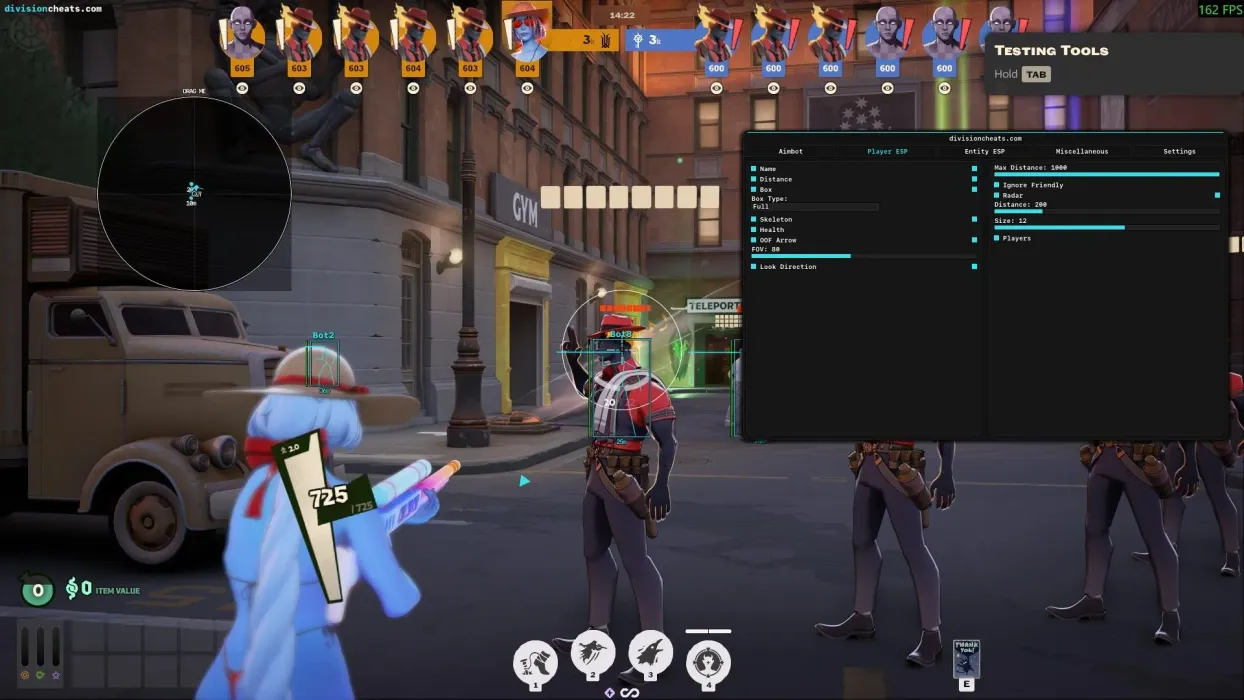
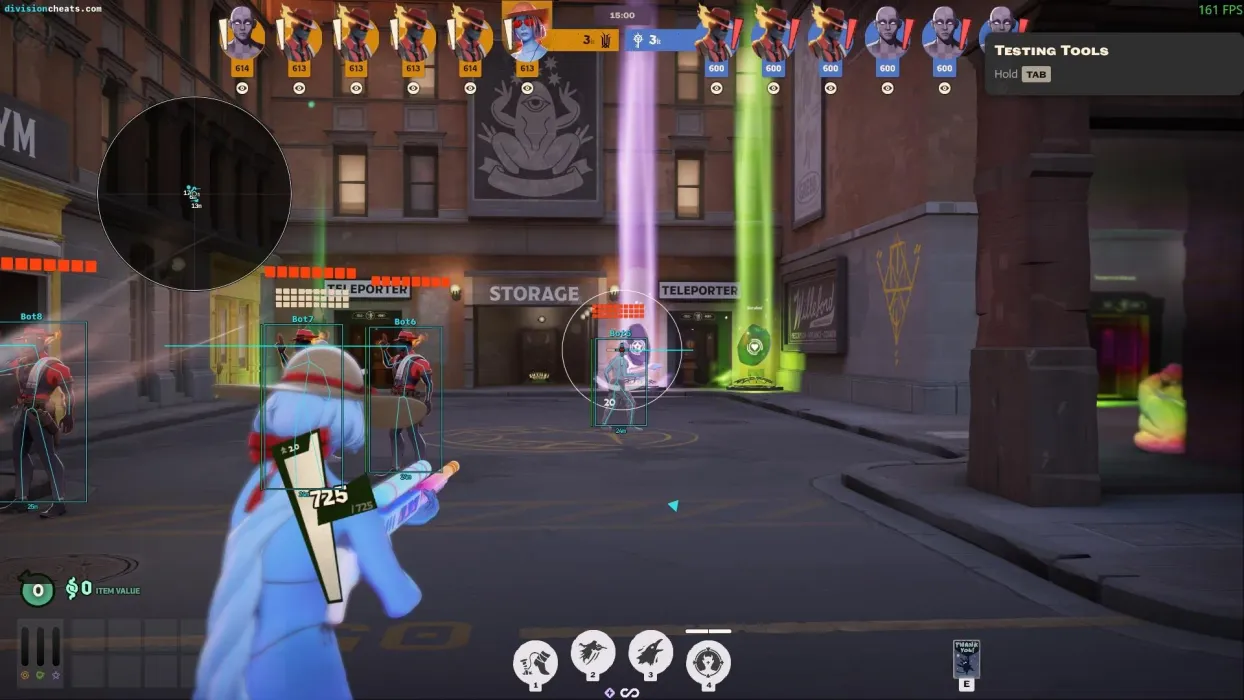
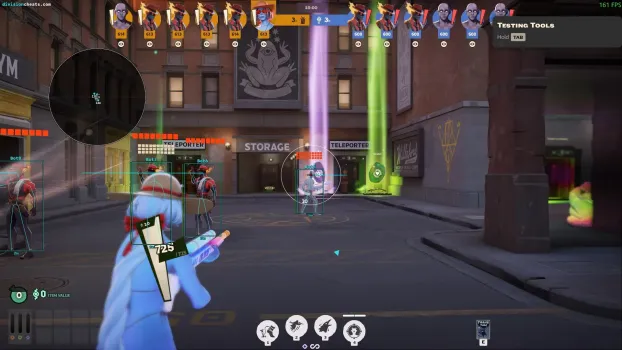
Division Deadlock Cheat is a feature-packed Deadlock cheat featuring customizable aimbot settings, player ESP, and radar. Configure FOV, smoothness, aim lines, and aim cross settings to suit your preferences. Track player names, distance, health, skeletons, and look direction with customizable ESP options, including corner and full boxes.
📦 Product Description
Division Deadlock Cheat is a feature-rich Deadlock cheat offering customizable aimbot settings, player ESP, radar, and additional menu options. Designed for players looking for configurable aiming and visual features, Division combines its main functions into an easy-to-navigate interface.
The aimbot includes an adjustable FOV circle, smoothness, field of view, aim line, aim cross, and maximum distance settings. Player ESP provides name tags, distance, corner or full boxes, skeletons, health indicators, off-screen arrows, and look direction to help display player information during gameplay.
Division also features a configurable radar with adjustable distance and size, alongside additional settings for configs, menu scaling, crosshair customization, and a schema dumper.
With a range of aiming, ESP, and customization options, Division Deadlock Cheat provides a configurable solution for players looking for a Deadlock cheat with aimbot, player ESP, and radar features.
🛡️ Main Features
- 🎯 Aimbot with Adjustable FOV and Smoothness
- ⭕ FOV Circle
- ➰ Aim Line & Aim Cross
- 📏 Maximum Aim Distance
- 👤 Player ESP: Names & Distance
- 📦 Corner & Full Box ESP
- 🦴 Player Skeleton ESP
- ❤️ Player Health ESP
- 🧭 Off-Screen Arrows
- 👀 Player Look Direction
- 🚫 Ignore Friendly Players
- 📡 Radar with Adjustable Distance & Size
- 💾 Config Support
- 🎛️ Adjustable Menu Scale
- ➕ Crosshair Customization
- 🛠️ Schema Dumper
- ✨ And more!
🖥️ System Compatibility
- 🖥️ Windows Versions 10/11
- 🧩 Supports all CPUs (Intel & AMD)
- ⚙️ No BIOS configuration needed
❓ Information — Learn about Division Deadlock
🔑 How Do I Redeem My Key — Redemption instructions
📩 How to Download — Download guide
⌨️ User Guide — Full usage instructions
🔗 Links — All resources
🆘 Support — Get help